Personal
finance assistant.
Your assets, debts and goals in one simple app. Know where your money goes and let Copia remember the rest.
Copia isn’t in the stores yet. Once it launches you’ll be able to download it from this page. The app is in Turkish.
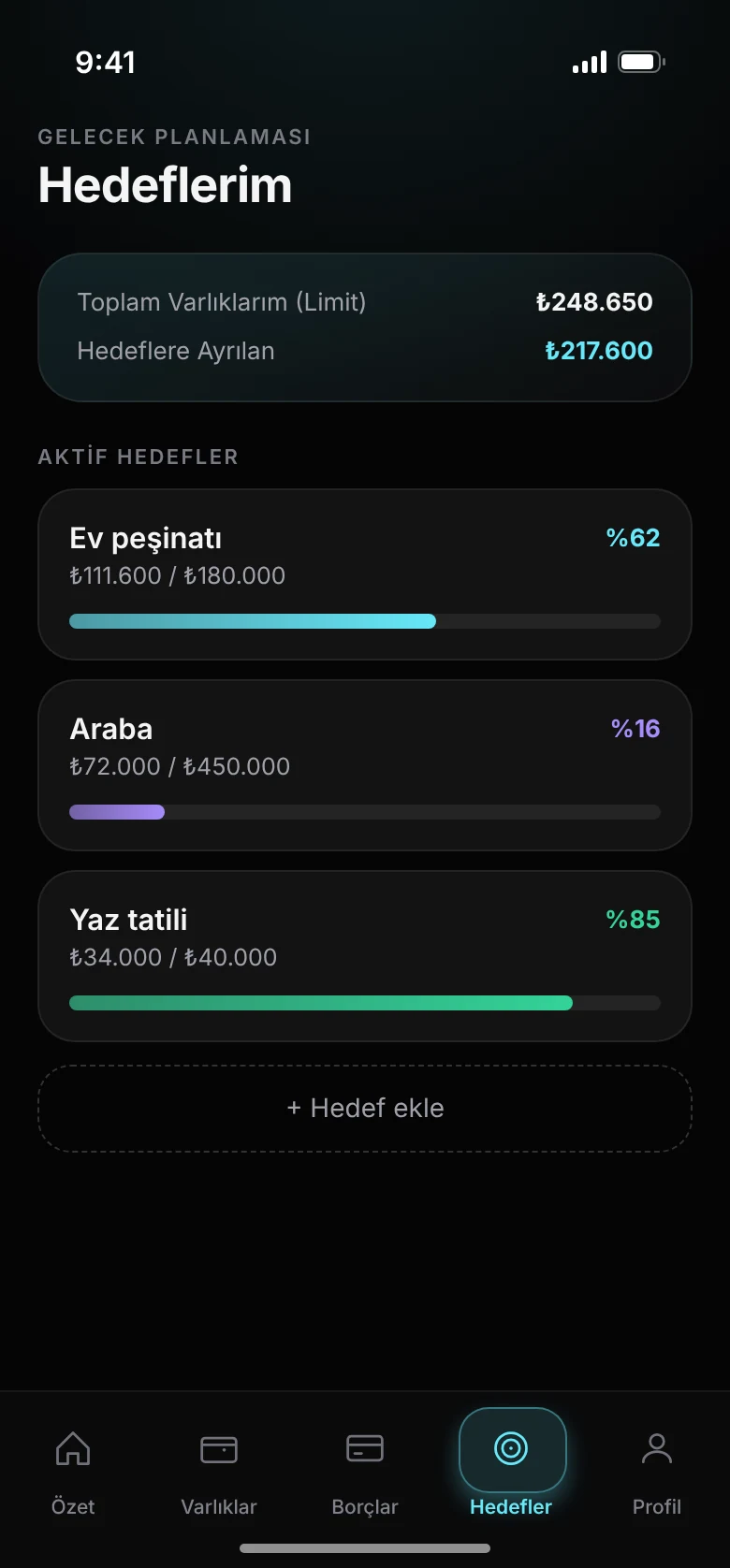
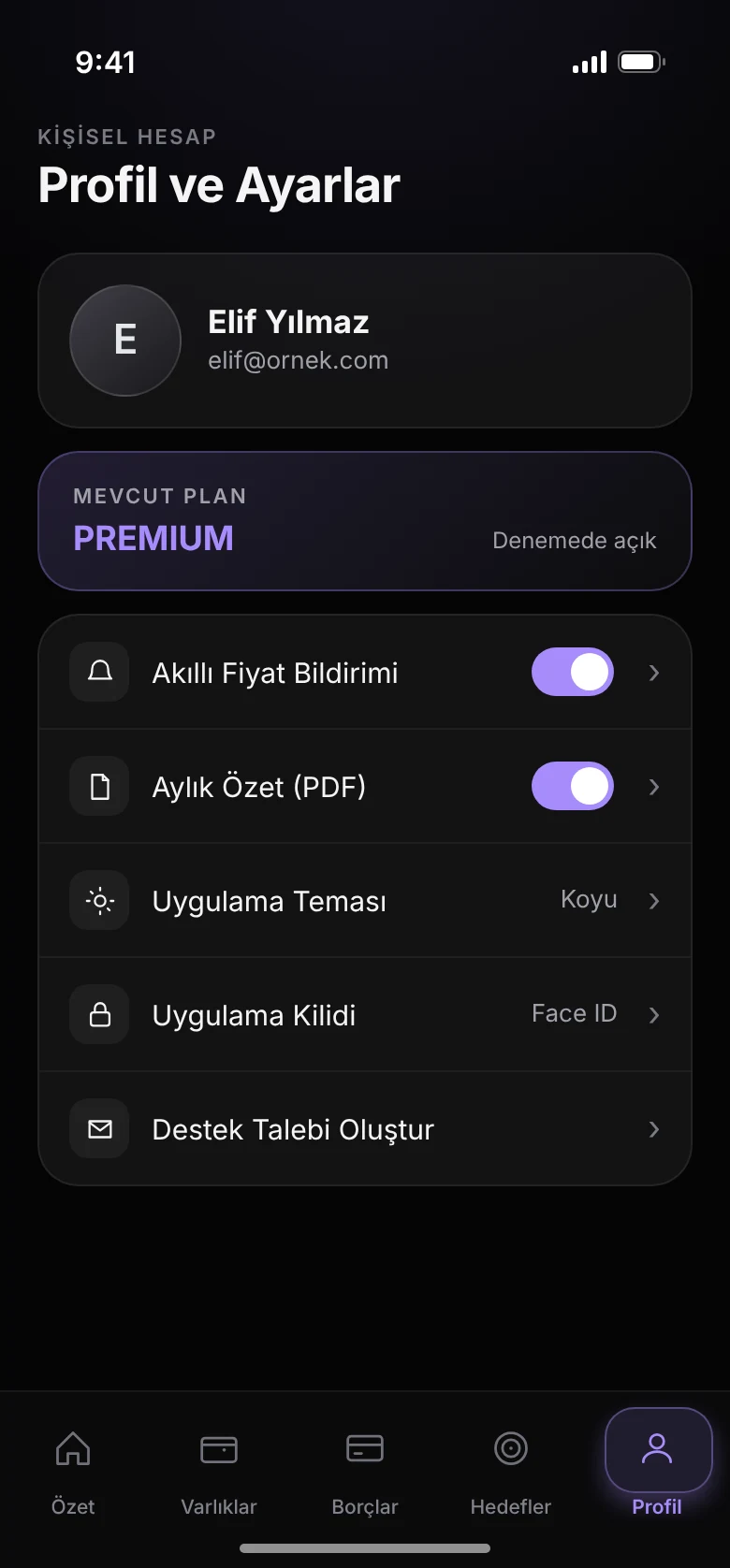
All your money in five tabs
Hover over the phones and look around as if you were holding the app.
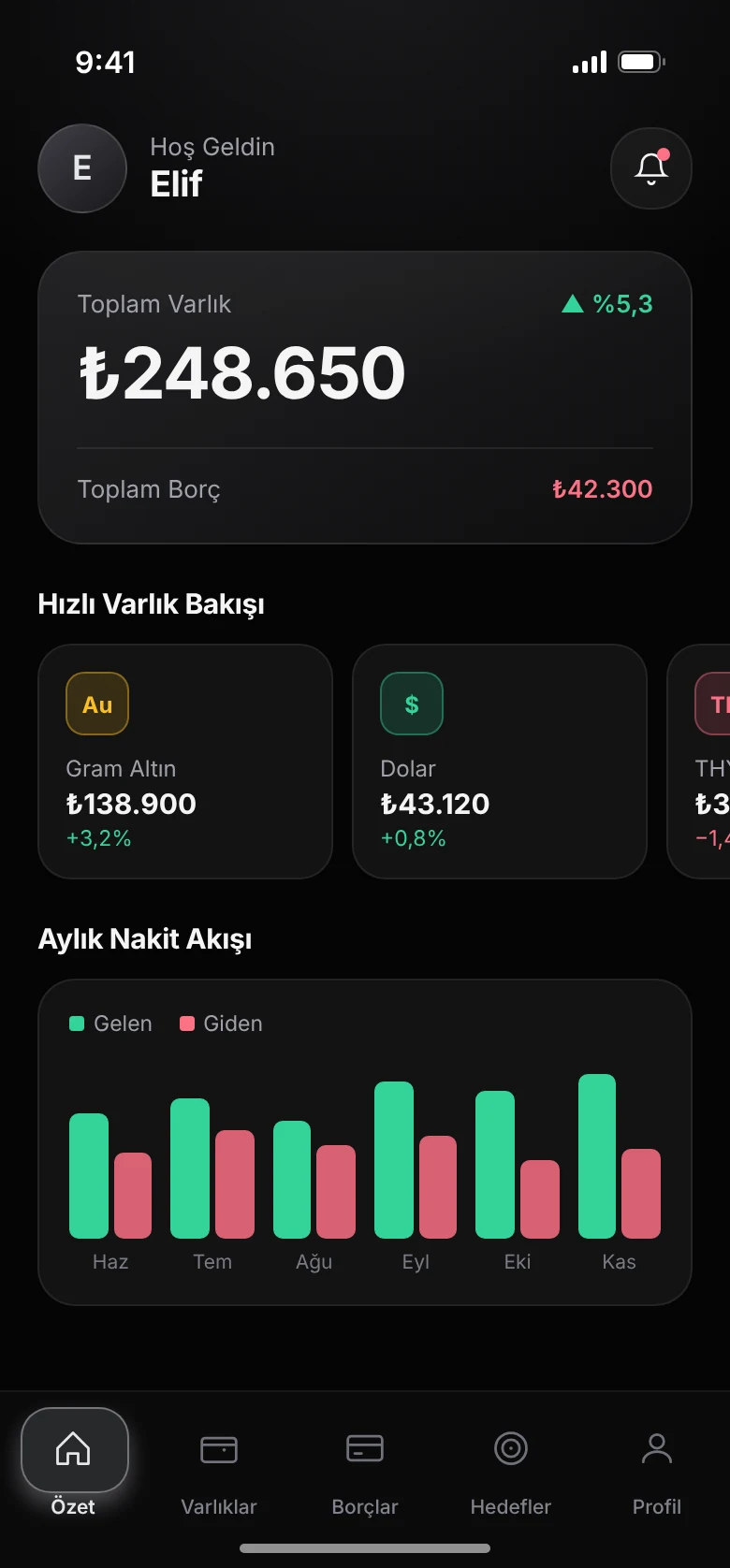
Total assets, debts and monthly cash flow
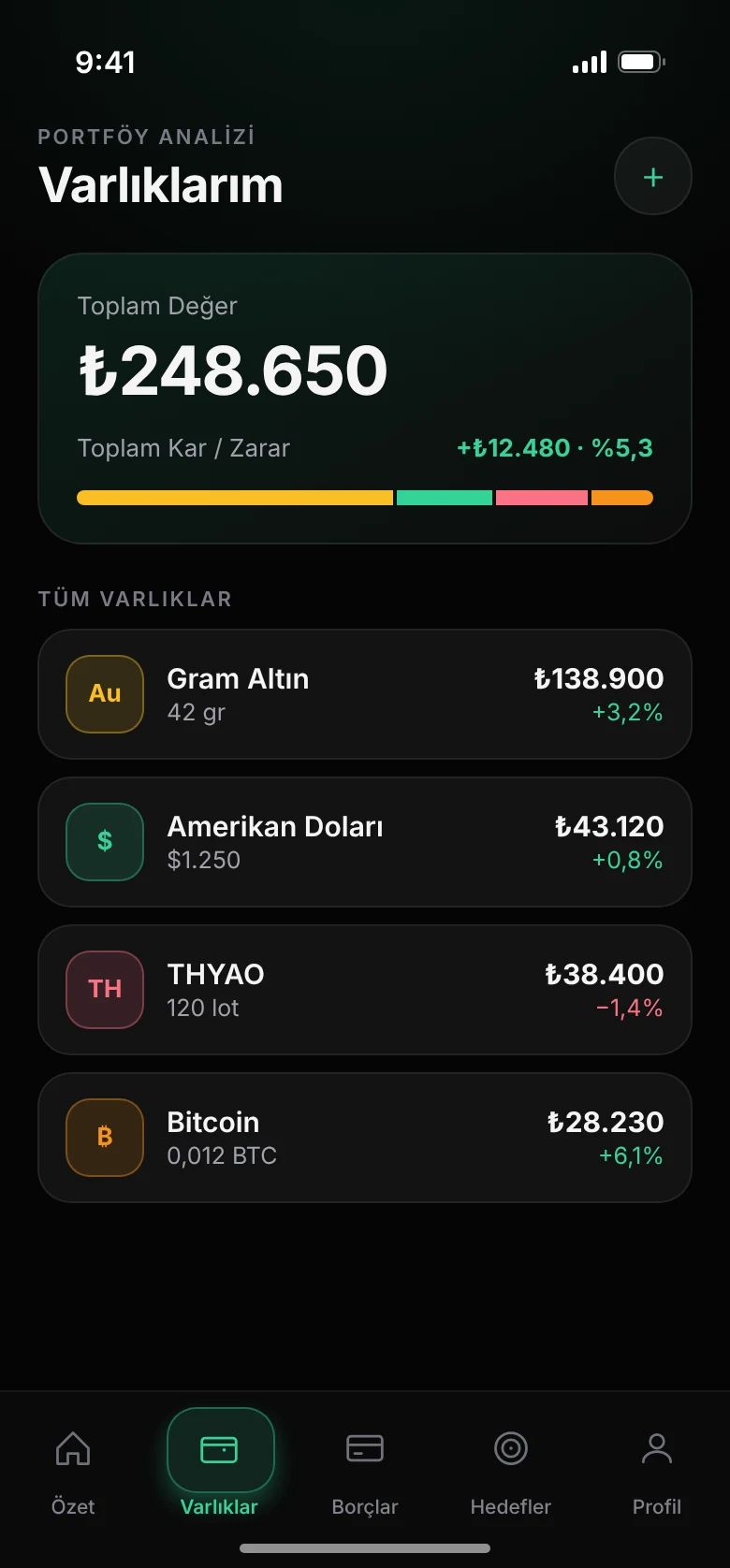
Gold, currencies, crypto and Borsa Istanbul stocks
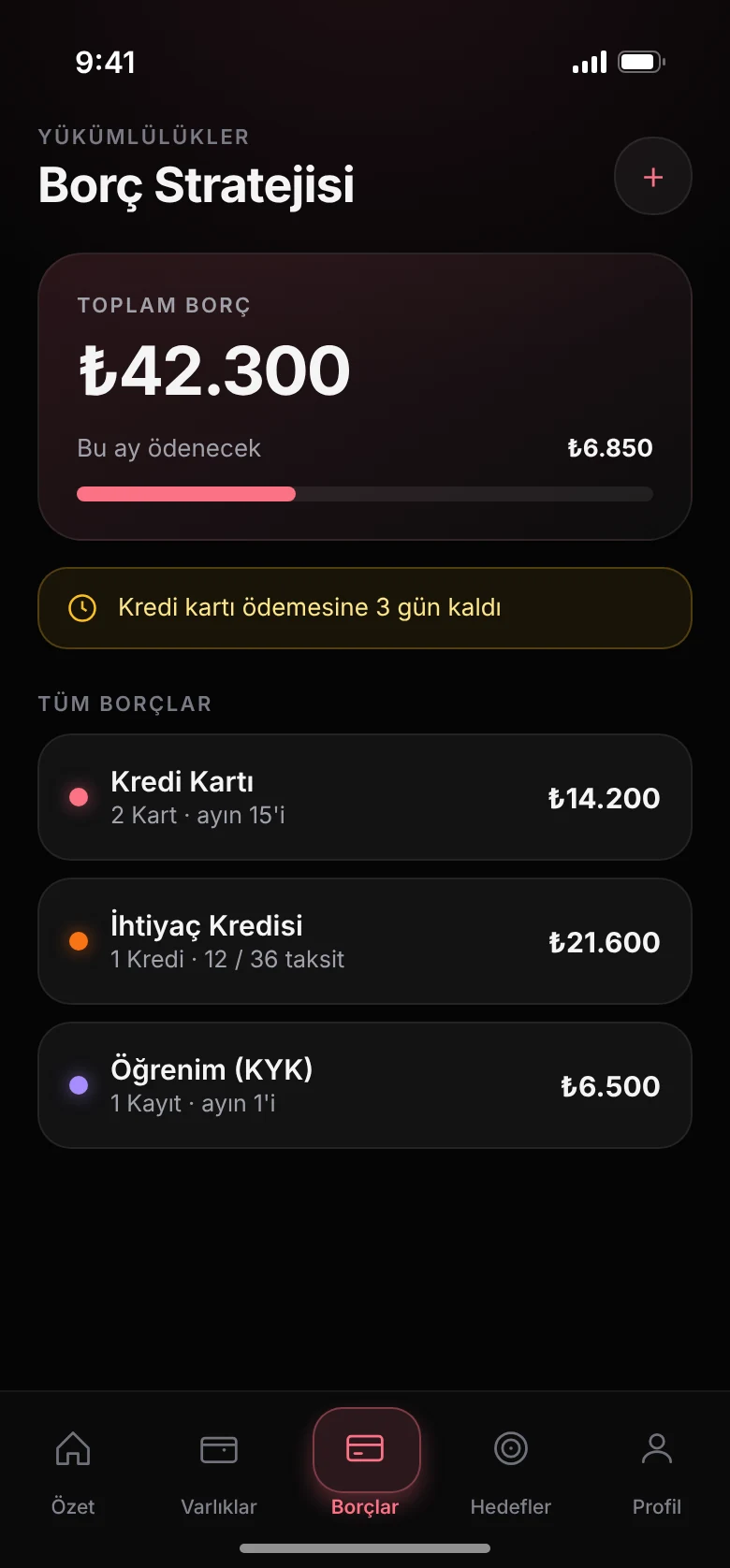
Cards, loans and student loans, with reminders
Home, car, holiday: see how close you are
Notifications, theme and app lock
All assets on one screen
Gold, currencies, crypto and Borsa Istanbul stocks with live prices, profit and loss.
Debts under control
Credit cards, personal loans, student loans and instalments, each with its own reminder day.
Financial Health Score
See the overall state of your money in a single score.
Monthly cash flow
Money in and out, month by month. Optional monthly summary email with a PDF.
Goals
A home, a car or a holiday. Set a goal and watch how close you get.
App lock
Lock with a PIN or Face ID. Balances are hidden when the app goes to the background.
Frequently asked questions
Is the app paid?
No. Copia is currently completely free; a small number of ads are shown in the app. Some sections may move to a Premium subscription in the future. People who install the app before Premium arrives and keep using it without deleting it will keep using those sections at no extra cost.
How often are prices updated?
Currency, gold, silver, crypto and stock prices are updated when you open the app and when you return to it. Prices are refreshed on our server at most every 10 minutes, so if you reopen the app within the same minute you may see the same price.
How are the percentage and Net Profit in Assets calculated?
For each asset, the weighted average of your purchase prices (average cost) is calculated and compared with today’s price. For example, if you bought 2 grams at ₺3,000 and 2 grams at ₺4,000, your average cost is ₺3,500.
Can I use different currencies at the same time?
Yes. You can choose a different currency for each asset or debt. Your main currency setting is only used as the base in the summary charts.
Where do deleted records go? Can I bring them back?
Deleted records don’t disappear right away; they move to the "Deleted" folder on the related page. From there you can restore them at any time or delete them permanently. Permanently deleted records cannot be recovered.
For more, see the support page · Privacy · Terms of Use · Delete account
Names and amounts in the screenshots are examples. Copia does not give investment advice.